

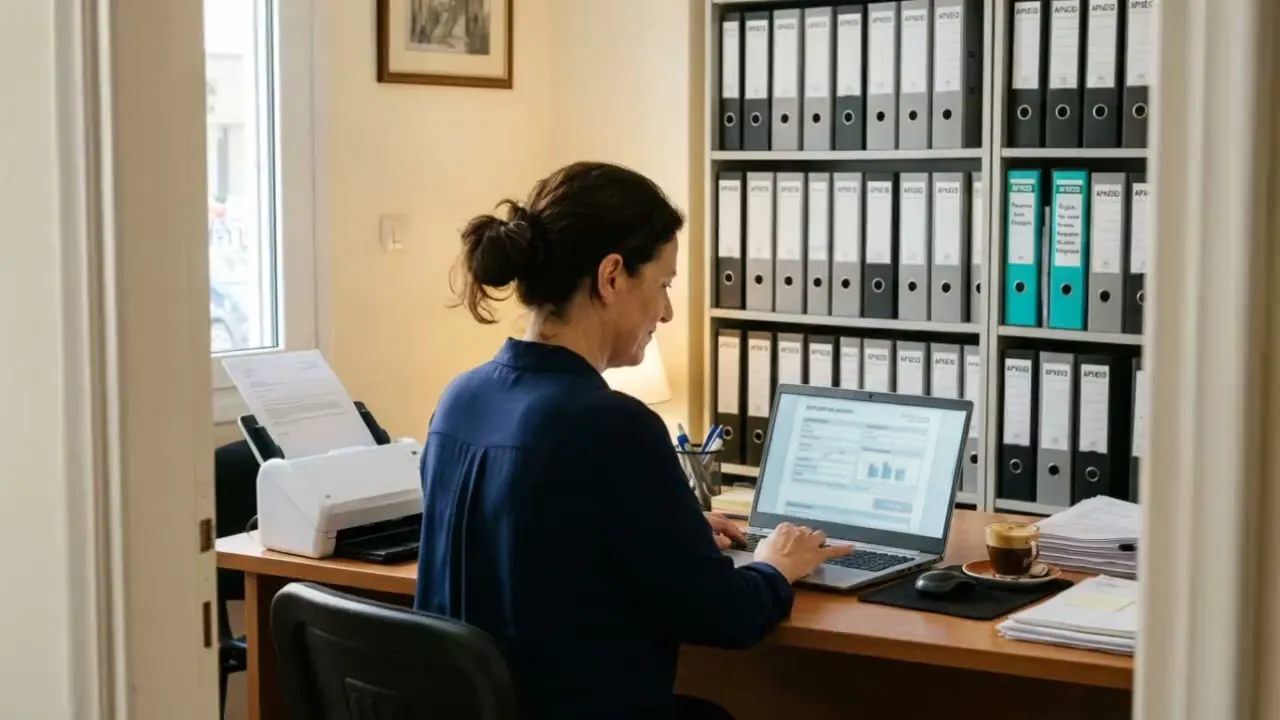
Invoice automation in an accounting firm means this: your clients' invoices and receipts are read by software, checked, and reach the accountant ready for entry. The accountant sees the document next to the data, corrects where needed, and approves. Nothing is entered without the accountant's approval. Below we follow the route of one invoice, step by step.
Step 1: All documents arrive in one place
Today documents come from everywhere: email, photos from a phone, folders of paper, files from the client's own software. The first step is one shared arrival point for each client. The software collects them all in that client's folder.
You see at once which client has sent this month's documents and which has not.
Step 2: The software understands what each document is
A purchase invoice, a receipt, a credit note, an electricity bill, a delivery note, or something unrelated that came by mistake. The software separates them. What it does not recognise goes to a "needs a person" list. It does not guess.
Step 3: It reads the data
From each document it keeps what an employee would type:
- the issuer and the tax number,
- the number and the date,
- the net value, the VAT for each rate, and the total,
- the lines with the items, when they are needed.
It reads clean files, scanned pages and photos. The better the image, the fewer the corrections.
Step 4: It checks before it shows you
This is where the errors that are found late today are caught:
- Arithmetic check. Net value and VAT must give the total.
- Tax number check. The number must be valid and must match the supplier.
- Sent twice. The same invoice came by email and also as a photo.
- Period. The date belongs to another month or another financial year.
- Comparison with myDATA. Where the firm has access, the document is compared with what has been sent to myDATA, the electronic books platform of the Greek tax authority. Differences show within the month.
Each document that fails a check is marked, together with the reason.
Step 5: It suggests the entry
The software looks at how you entered earlier documents from the same supplier for the same client, and suggests the same account and the same expense category. For a new supplier it does not guess. It leaves the field empty and marks it.
This is a suggestion, not a decision.
Step 6: The accountant approves
The accountant opens one screen. The document is on the left. The data that was read and the suggestion are on the right. The fields the software is not sure about have a different colour. The accountant corrects, approves or rejects.
The clean documents, which are most of them, are approved quickly. The time goes to the ones that really need judgement. Every correction and every approval is recorded: who, when, what changed.
Step 7: The data moves into the accounting software
After approval, the data moves into your accounting software, by a data file or by a direct connection, depending on the software. The original document stays linked to the entry. When someone asks for it a year later, you find it with one search.
What it does not do
It does not enter or submit anything by itself. It does not decide the tax treatment of an expense. That is the accountant's judgement. And it does not read everything: a blurred photo or a half-faded receipt goes to the "needs a person" list.
What to measure in a trial
- How many minutes one document takes today, and how many with the software.
- How many fields needed a correction by a person.
- How many duplicate or wrong documents were caught before entry.
These three numbers show if it is worth it.
Data and the law
The documents contain personal and financial data of your clients, so the data protection rules apply. Ask where the processing happens, who has access, and how long the files are kept. For sensitive data, the reading can run on a computer inside your office.
Software that reads invoices for internal use does not talk to the public. For this reason it usually does not carry the transparency duties that a chatbot has under the European AI regulation. The responsibility for the entry stays with the accountant. This text is information, not legal advice.
Common questions
Does it read handwritten receipts and phone photos?
It reads printed Greek very well, including from a photo. For handwriting, it depends on the quality. We test it with your own documents before we promise anything.
Invoices are becoming electronic. Is this still needed?
As electronic invoicing spreads, more documents already arrive in digital form, and this makes the reading step easier. But receipts, utility bills and documents from abroad remain. And the checks, the suggestion and the approval are needed in every case.
Does it connect to our accounting software?
It depends on the software. The common Greek accounting programs accept data imported from a file. We check this before we start.
How many documents a month make it worth it?
There is no single number. It is worth it when typing takes hours every week from people who should be checking the books and talking to clients.
How we start
You give us a sample of real documents from one or two clients, and you show us how you enter them today. We set up a trial in two to four weeks and measure the three numbers above. We continue only if it works.
We built invoice reading with human approval into our project "The accounting firm on one screen", which is ready for trials in firms. Read the case study (in Greek). For the wider picture, our article AI for accounting firms is also in Greek. See how we work with documents and invoices, or write to us about your own firm.